One of the hardest problems in AI visual production is not generating a single beautiful image — it is generating dozens of on-brand assets without rebuilding the layout every time. We documented a six-step pipeline using GPT-Image-2 and Canvas Magic Layers that turns brand assets into reusable templates, then fills them with campaign content.
The goal
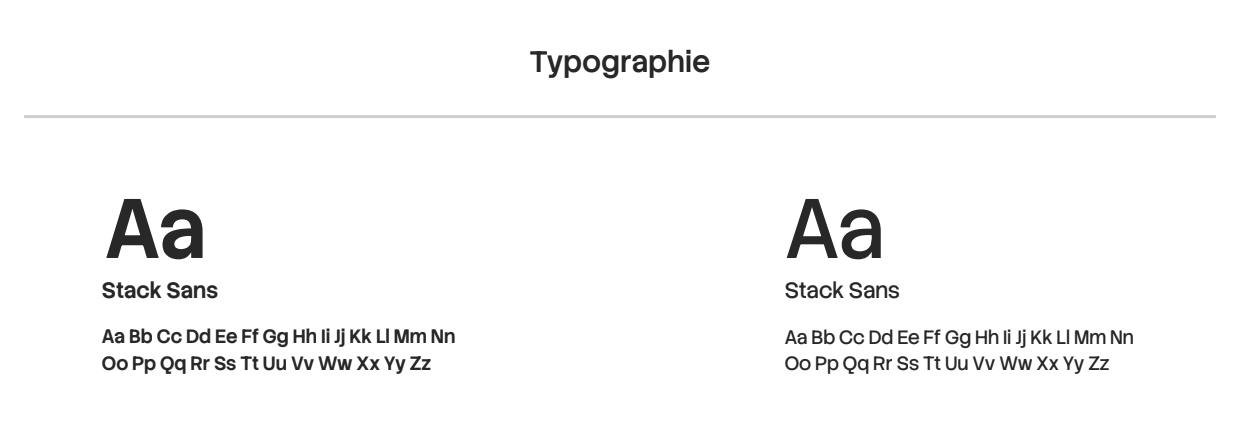
Produce a visual pattern (business card, guide banner, article header, support chart) and derive consistent visuals from it — preserving logo placement, palette, typography, and grid structure across every output.
Six-step pipeline
- Step 1 — Define format and use case (16:9 banner, card, slide) with audience and text density
- Step 2 — Gather brand assets: logo, palette, typography references, layout moodboard
- Step 3 — Use an LLM to generate a single GPT-Image-2 prompt locked to brand rules and aspect ratio
- Step 4 — Generate the base template image in GPT-Image-2 (ChatGPT, Higgsfield, or ComfyUI)
- Step 5 — Feed the template back to the LLM with your content brief to produce a fill prompt that preserves layout zones
- Step 6 — Edit with Canvas Magic Layers — decompose into layers to fix text, logos, or backgrounds without full regeneration
Why Magic Layers matters
The breakthrough is layer separation. Instead of iterating entire generations to fix a typo or misaligned logo, Magic Layers lets you edit individual elements. Combined with LLM-generated fill prompts that reference the template as @image1, you get a chain: brand assets → template prompt → base layout → content fill → surgical edits.
Brand assets → LLM template prompt → GPT-Image-2 → LLM fill prompt → final render → Canvas layer edits. Reusable, scalable, on-brand.
For campaign teams
This workflow is especially valuable for fashion and luxury brands running recurring content formats — seasonal lookbooks, journal headers, social carousels — where consistency matters more than one-off novelty. The output is reusable, scalable, and under brand control.